
UCPath Reporting
The UCPath reporting strategy involves both Cognos and PeopleSoft reports.
IBM Cognos Reports

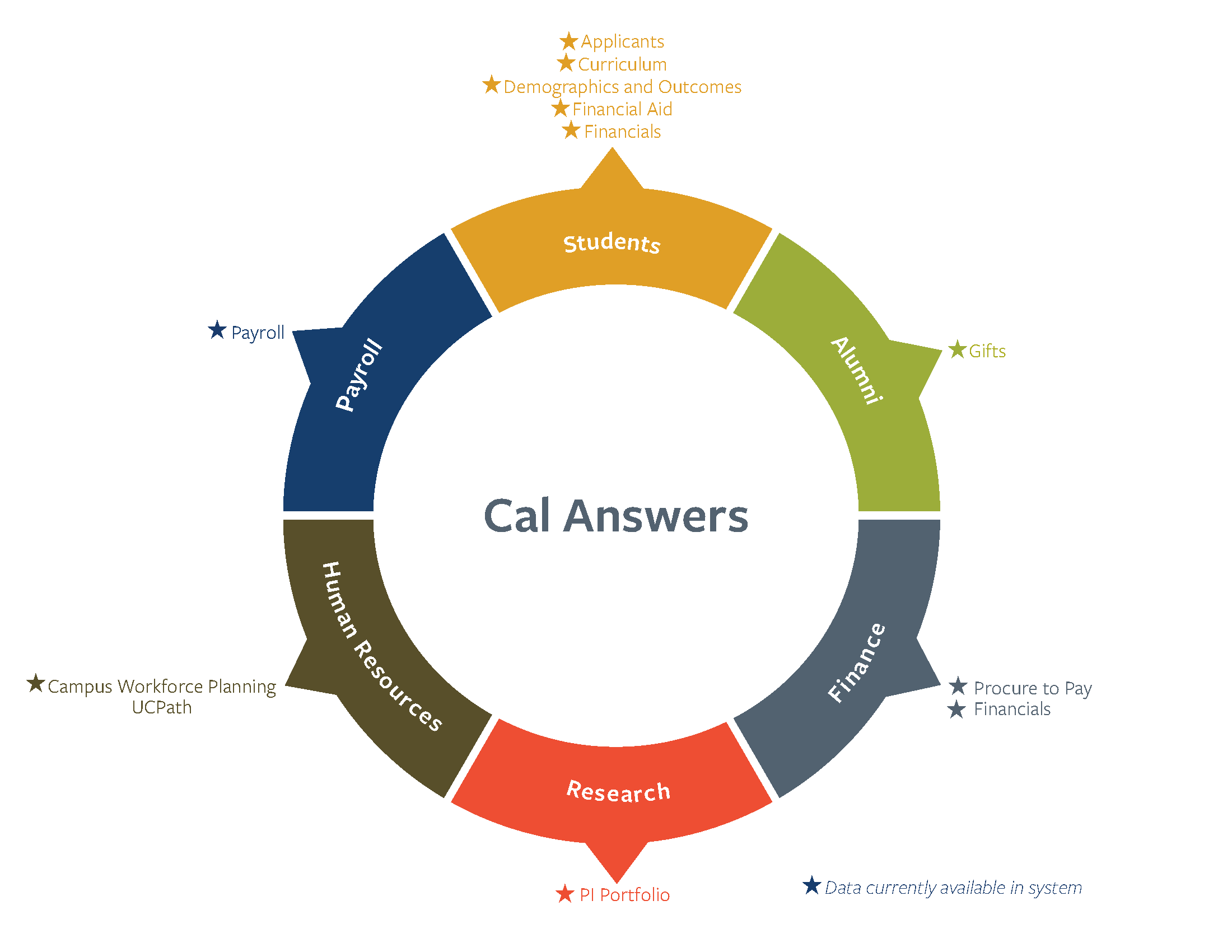
Cal Answers
PeopleSoft HCM Reports
About
-
Reports are developed in the Cognos application & accessed by navigating to Quicklinks > Cognos Reports
-
Reports are based on day-old data in the DDODS which is updated nightly
-
Reports will be developed based on campus requests/needs
-
Report Distribution:
-
Cognos Common Reporting Menu
-
Location Specific Cognos Reporting Menu
-
Resources
- Full List of UCPath Cognos Reports - maintained by the Systemwide Reporting (Cognos) Team
- If you don't have access to this site, please request access by emailing our team at UCBUCPath@berkeley.edu and we will submit a ticket on your behalf.
- Using Cognos - UCOP Website
- How to access Cognos Reports
- Run Cognos Report - UCPath Center YouTube Video
Job Aids (UCOP)
About
Cal Answers is managed by the Cal Answers Team under the Office of the Vice Chancellor of Finance. Visit the Cal Answers website for more information about UCPath data in Cal Answers, including the timeline for future report releases.
About
-
Reports are developed in PeopleSoft HCM & accessed directly through UCPath
-
Reports & queries that require real-time data will access the data from HCM directly:
-
Example: Payroll Pre-processing Reports
-
-
Reports that require data that is not in DDODS or CDM such as Staging, AWE and Audit Tables
-
Report Distribution:
-
Queries: thru Query Viewer or Excel files
-
Reports: via Report Manager tool
-